- Your .cbh and .cbv databases
- Opened directly, in the browser or the Mac app. Read and never written; every game keeps the name of the database it came from.
- The search mask
- The same header and move conditions, combined with and, or and not, saved with your backups — or typed as a sentence: “Carlsen as Black in the Najdorf since 2018”.
- Opening Report and the reference tree
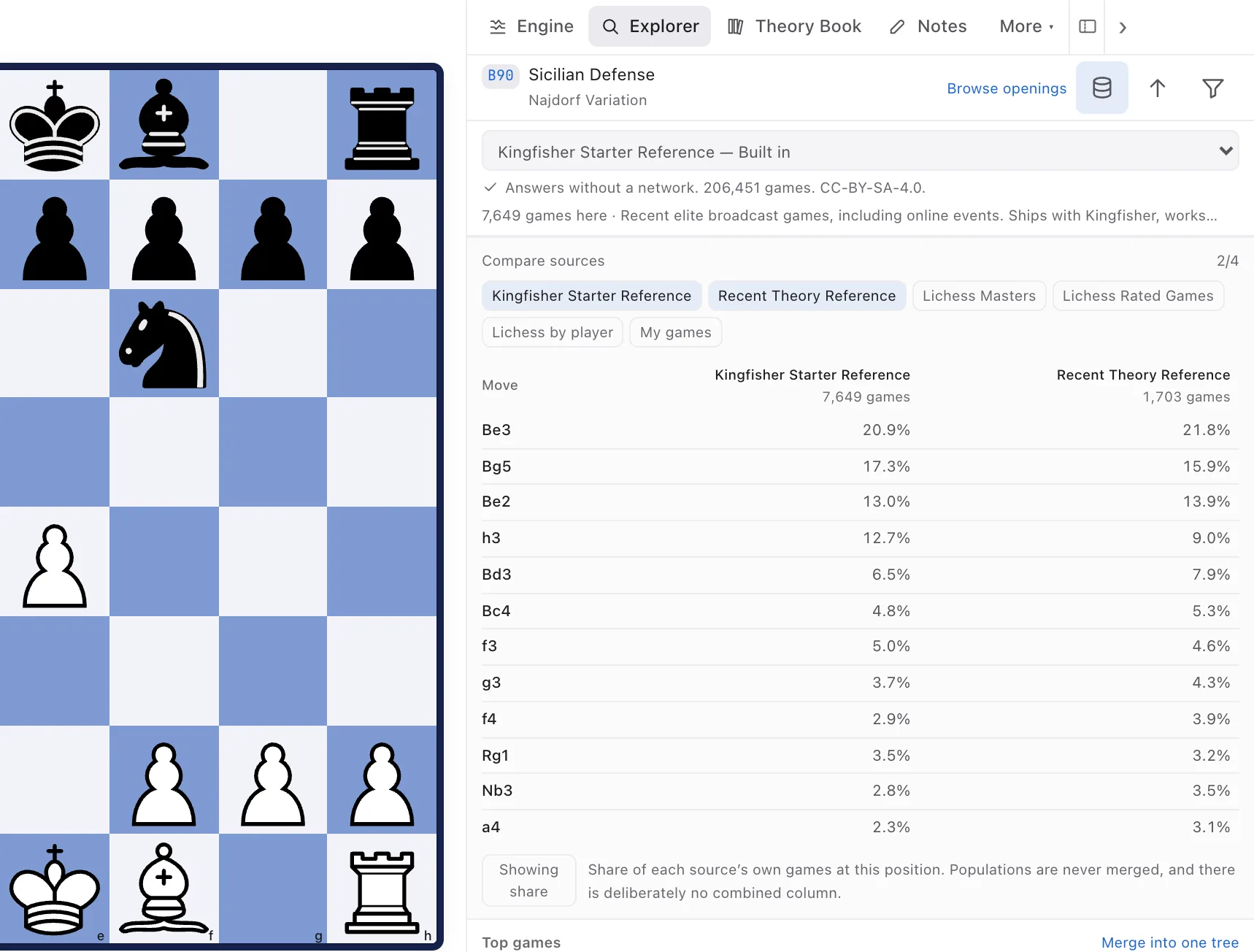
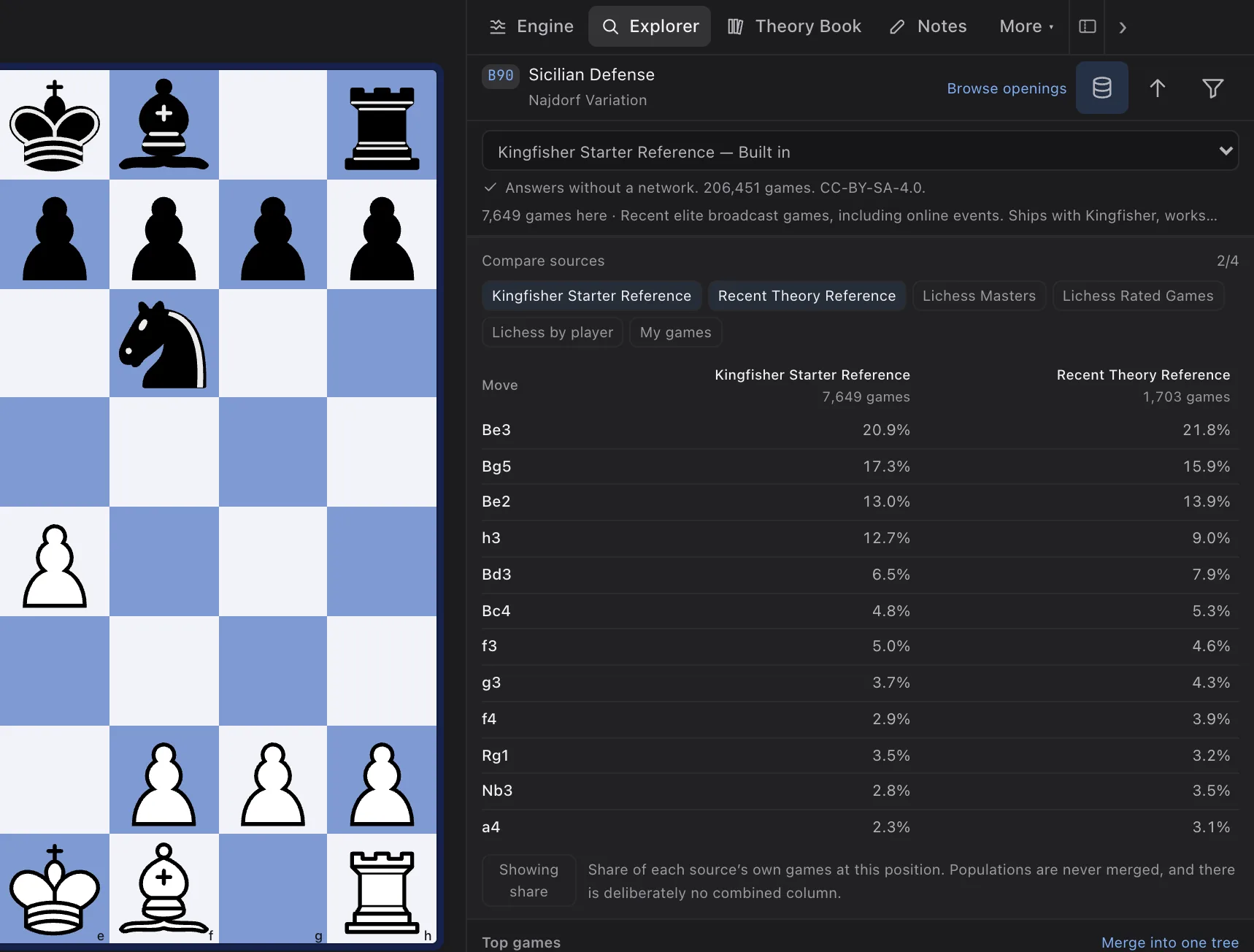
- An Opening Report from a population you name, with every source in its own column and its own game count. Never one blended figure.
- Repertoire database
- A repertoire keyed by position, so transpositions are the same line, with an inbox for new games, surprises and stale evidence.
- Player preparation and the blunder check
- Preparation against a named opponent, their repertoire against yours and drawn as an opening map, and a costly-moves report you can train from.
- Mega Database
- Not offered. Open, licensed populations instead — over-the-board broadcasts and high-rated online play — each kept separate.
- Let’s Check and Engine Cloud
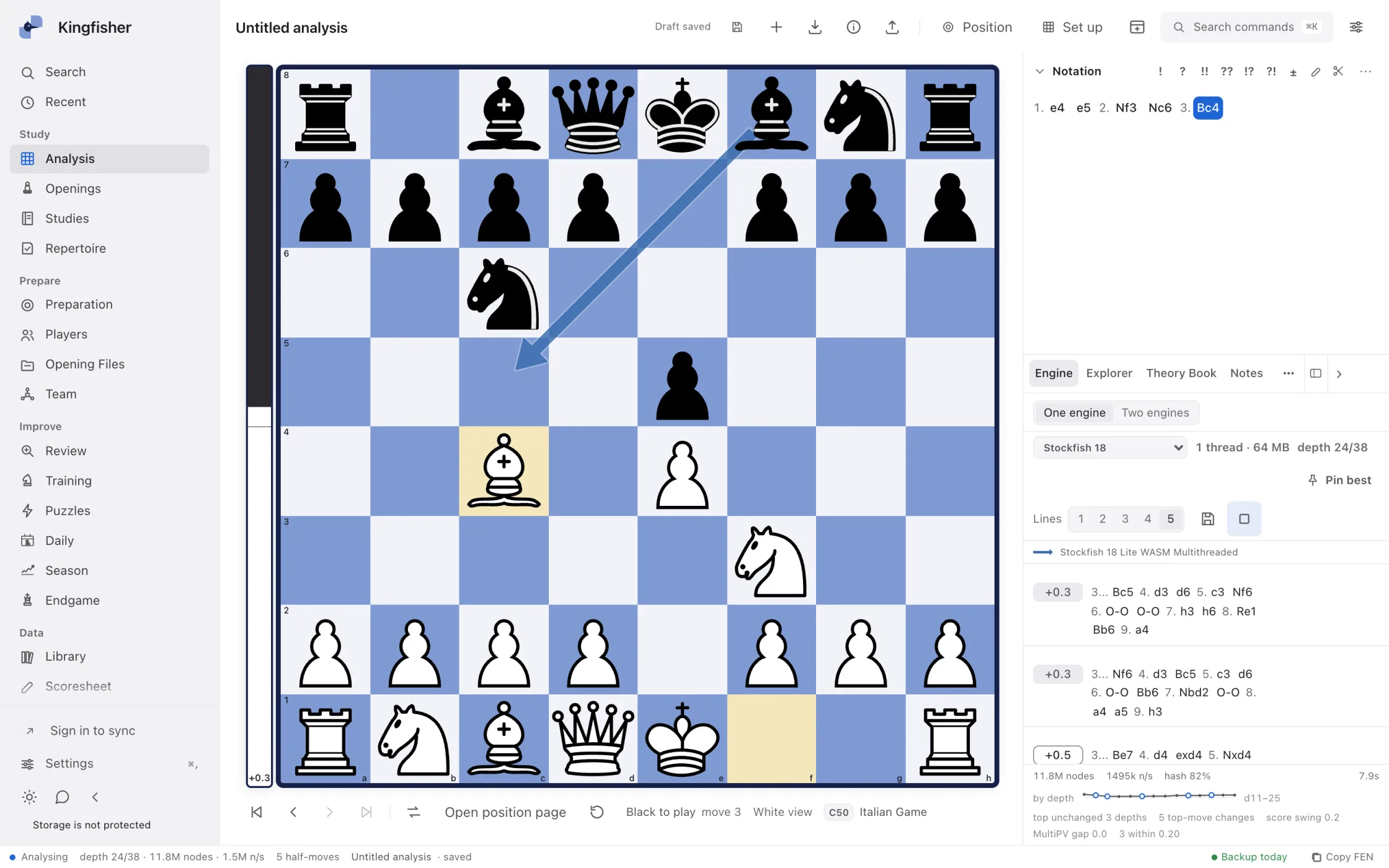
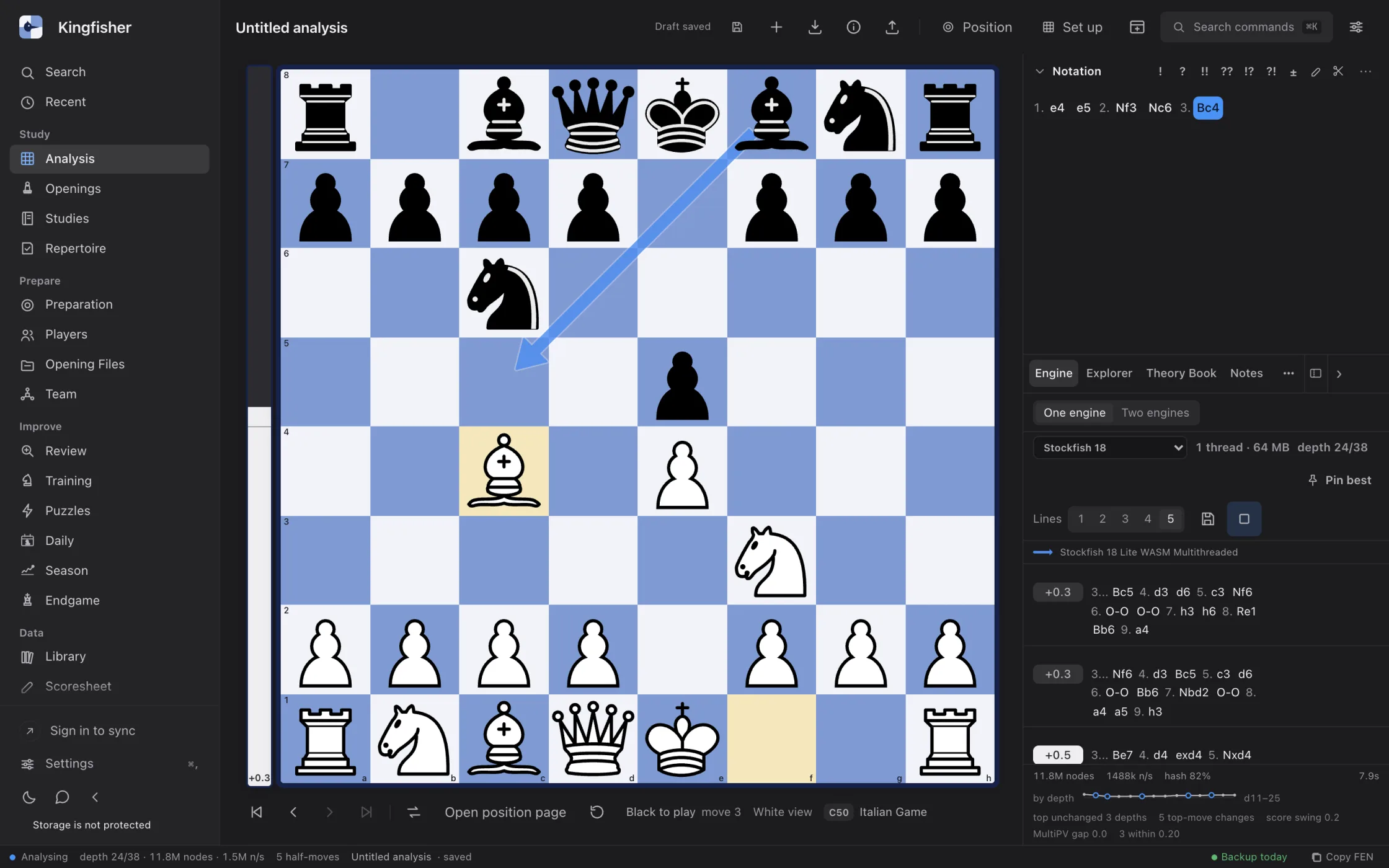
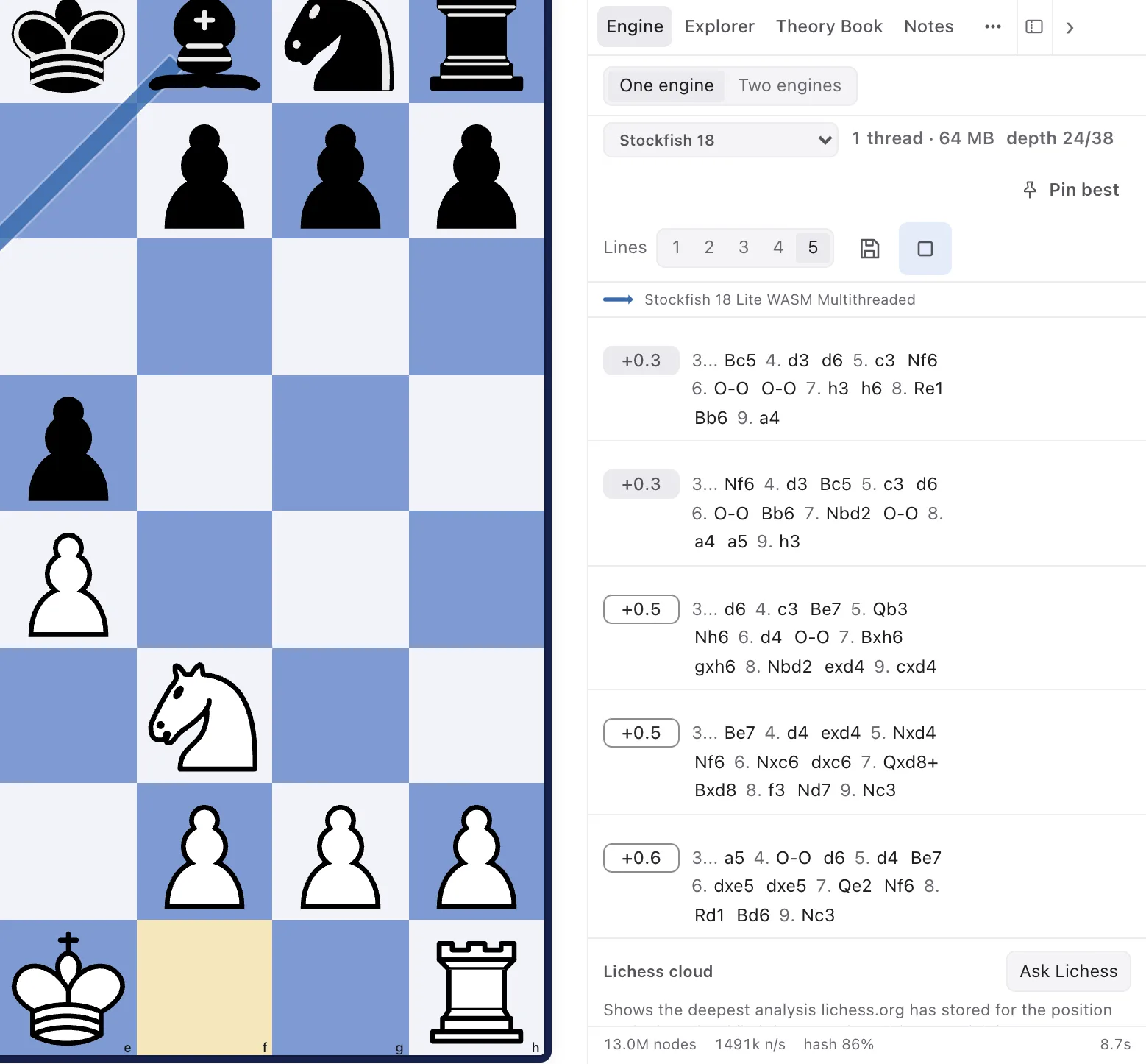
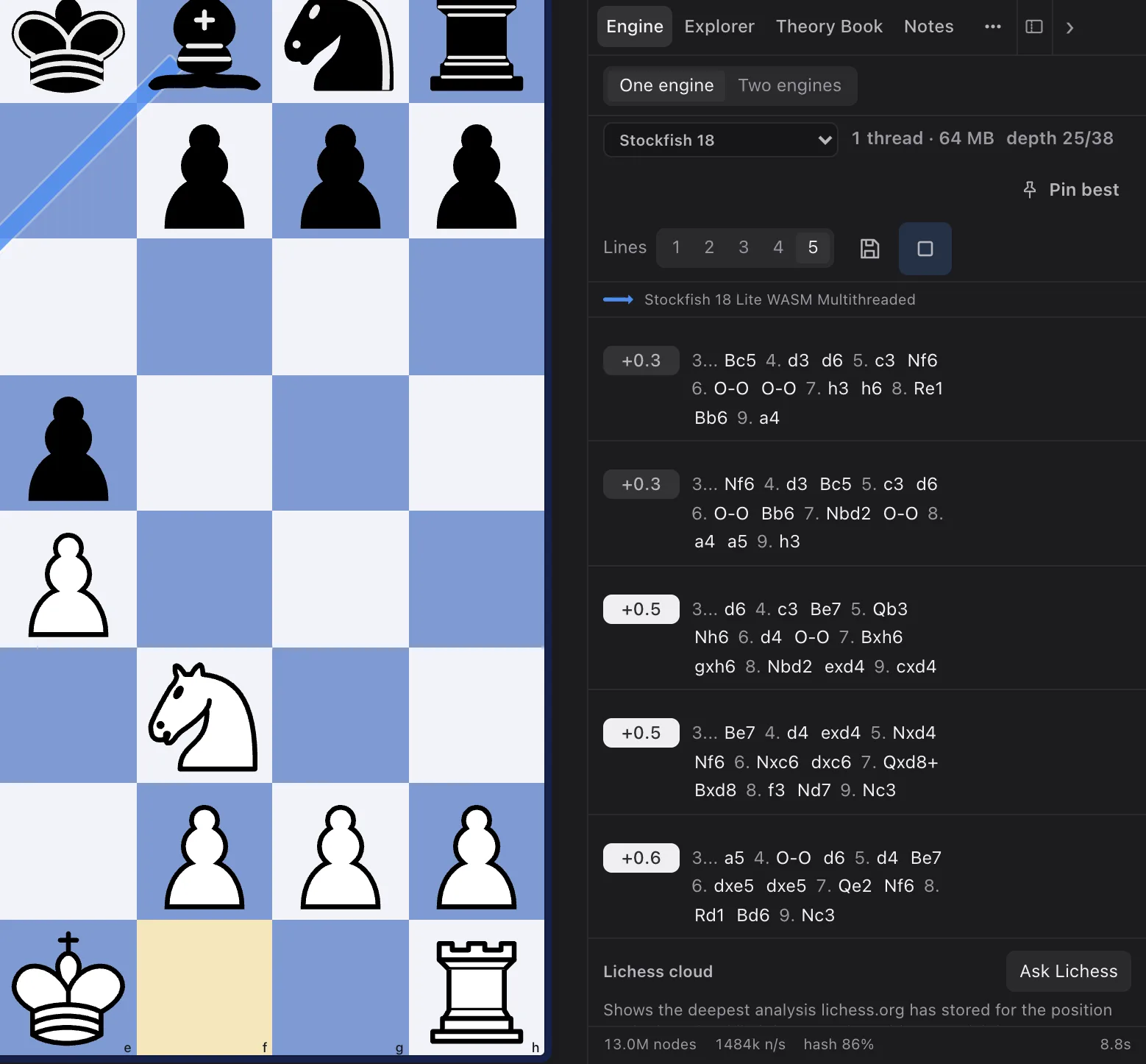
- Not offered. Engines run on your machine: Stockfish 18 in the browser, native engines in the Mac app.